Case study
From a Voice Recording to a Finished Report
The app turns a supervisor’s voice note into a draft site report and flags details to check. The reviewer can listen back, link photos to the relevant findings and sign off. The finished PDF carries the company’s logo and colours.
I used a construction inspection for this example. For your team, I’d start with the document you need and work back to what people can record and who needs to review it.
IllustrativeThe screens show a fictional commercial construction job.
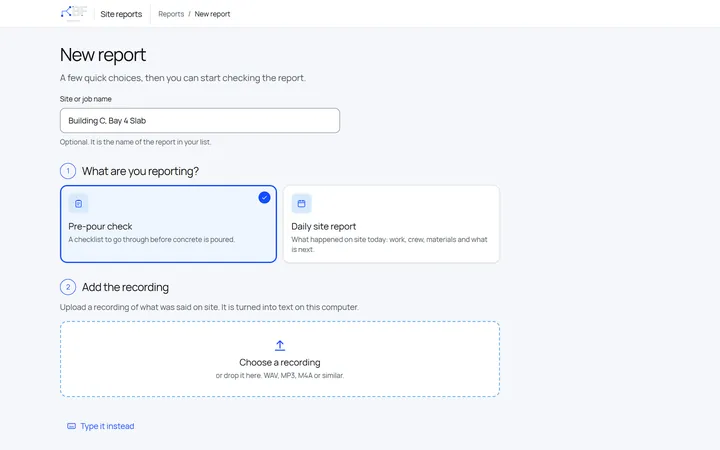
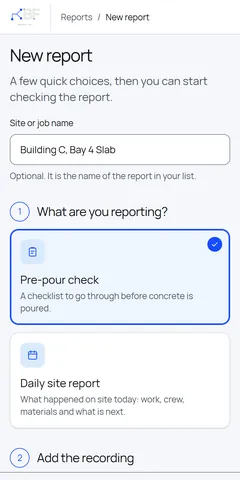
Start With the Recording
Name the job, pick the report type and add the recording. Notes can also be typed in.
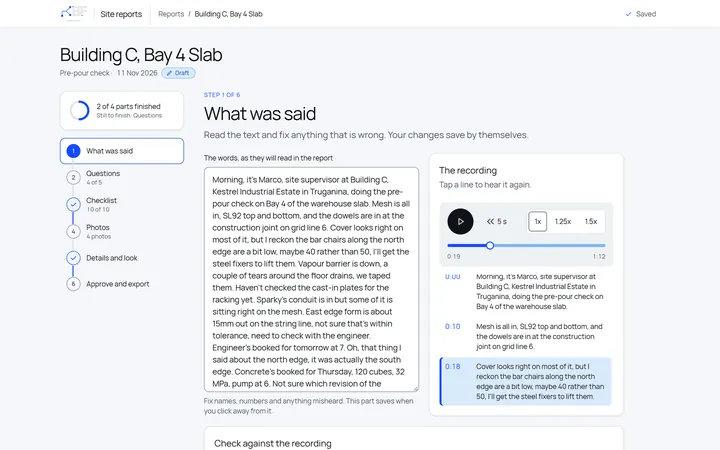
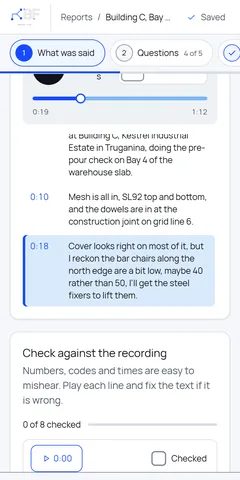
Every Line Plays Back
The transcript sits next to the audio. Select a line to hear that moment again, and check numbers, codes and dates before they reach the report. Corrections are saved separately, so the original transcript stays as it was.
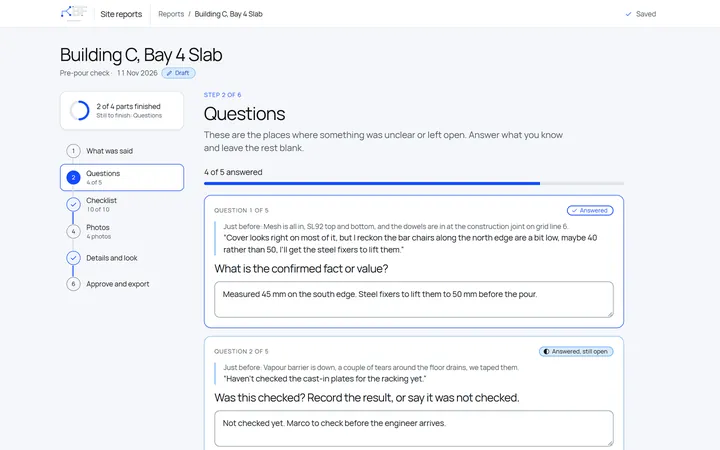
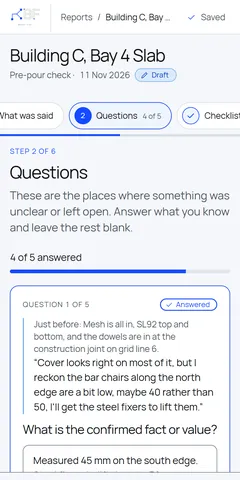
Questions About What Was Unclear
Vague or missing details come back as questions for the reviewer. An answer like “not checked” keeps the question open until someone closes it.
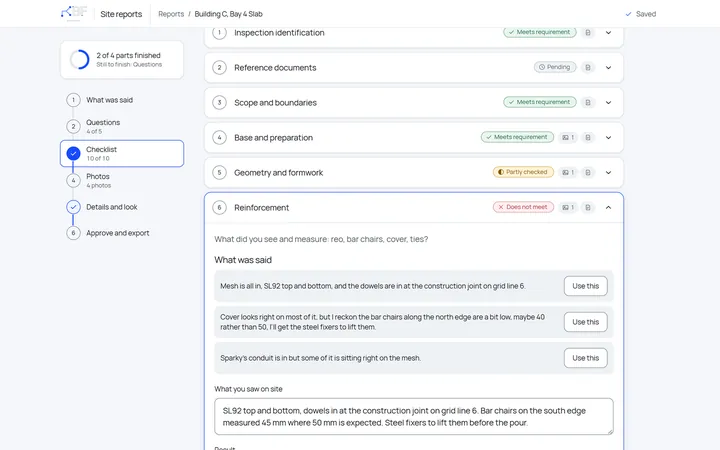
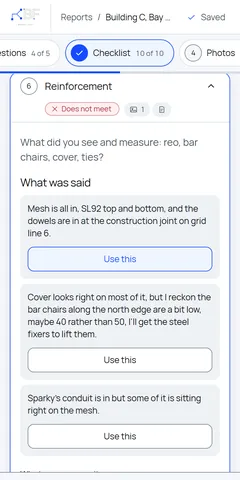
The Checklist Next to What Was Said
Each checklist item shows the parts of the recording that mention it. The reviewer marks the result and records whether the pour goes ahead or is on hold.
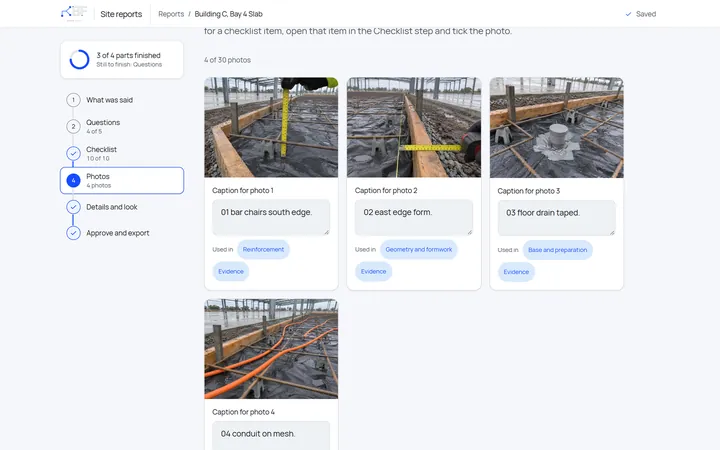
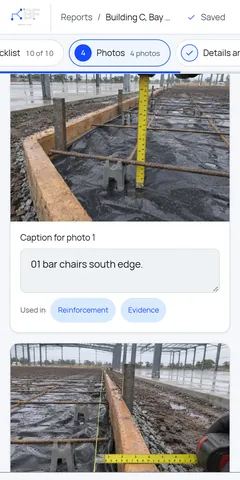
Photos on the Right Item
Each photo gets a caption and is linked to the checklist item it shows.
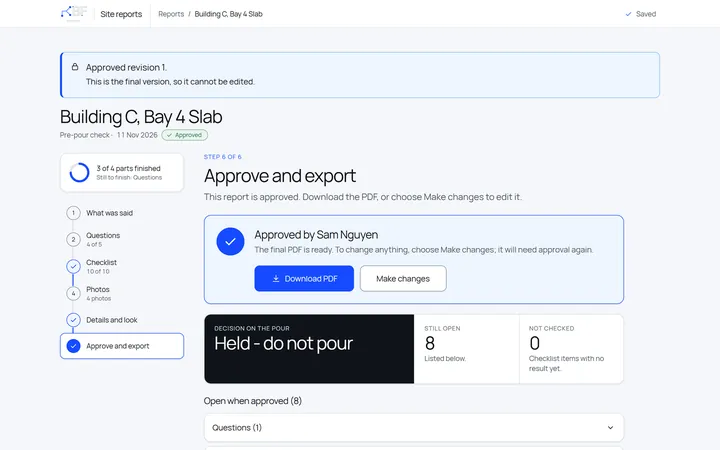
Approve, Then Download the PDF
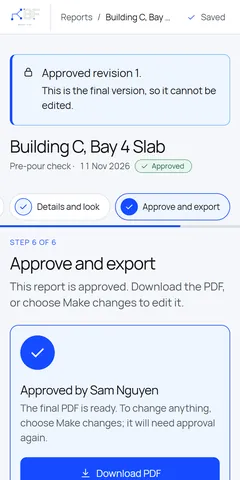
Before approval, the report lists what is still open. A change after approval needs a new approval, and the approved version stays on record. The PDF carries the client’s logo and colours.
-
The Finished Report
The reviewer’s findings, supporting photos and items to follow up appear together in the exported report.
Open the full sample report (PDF)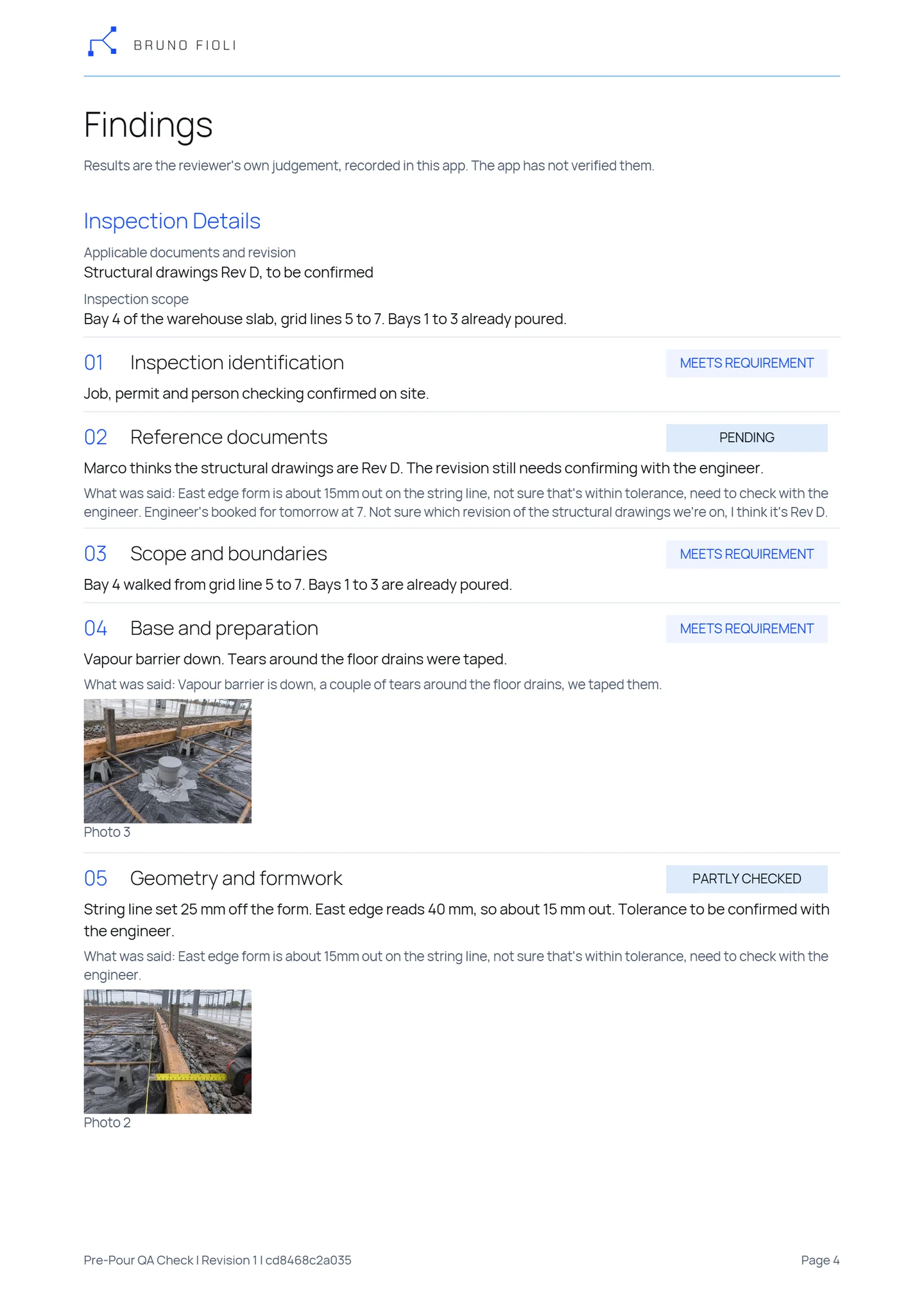
Geometry and formwork
Partly checkedString line set 25 mm off the form. East edge reads 40 mm, so about 15 mm out. Tolerance to be confirmed with the engineer.
Excerpt from the sample report, page 4 See Open Items Across Reports
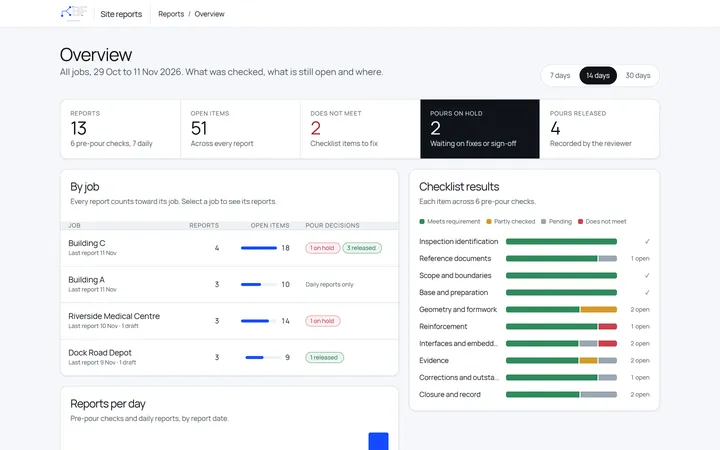
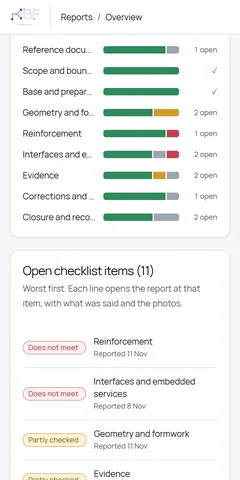
This screen is a mock-up for the case study. It shows how a future Overview could bring open checklist items and reports awaiting review together across jobs.
Select a screen to see it full size.
How Audio Fits Your Reporting
- Which reports can start with a voice recording?
- If your team can describe the work aloud, a recording can be the starting point for a written report. A technician can talk through a service visit, a driver can describe an incident, or a shift supervisor can record a handover.
- How would the system fit our reporting process?
- I start with a report your team already writes. We agree on what staff need to capture, who reviews the draft and what the finished document should look like.
- What happens if details are missing or unclear?
- The system can flag gaps and turn unclear details into questions for the reviewer. They can replay the recording, correct the draft and fill in what’s missing before approving the report.
- Where is the audio processed and stored?
- In this case study, the audio stays on the computer that transcribes it. For your business, we agree where recordings and reports are stored, who can access them and how long they’re kept.
Start With the Reports Your Team Writes
Tell me which reports take your team the longest to write up, and I’ll look at how they could start from a recording.
Send an enquiry