Case study / Braid
The Working Day, in One Place.
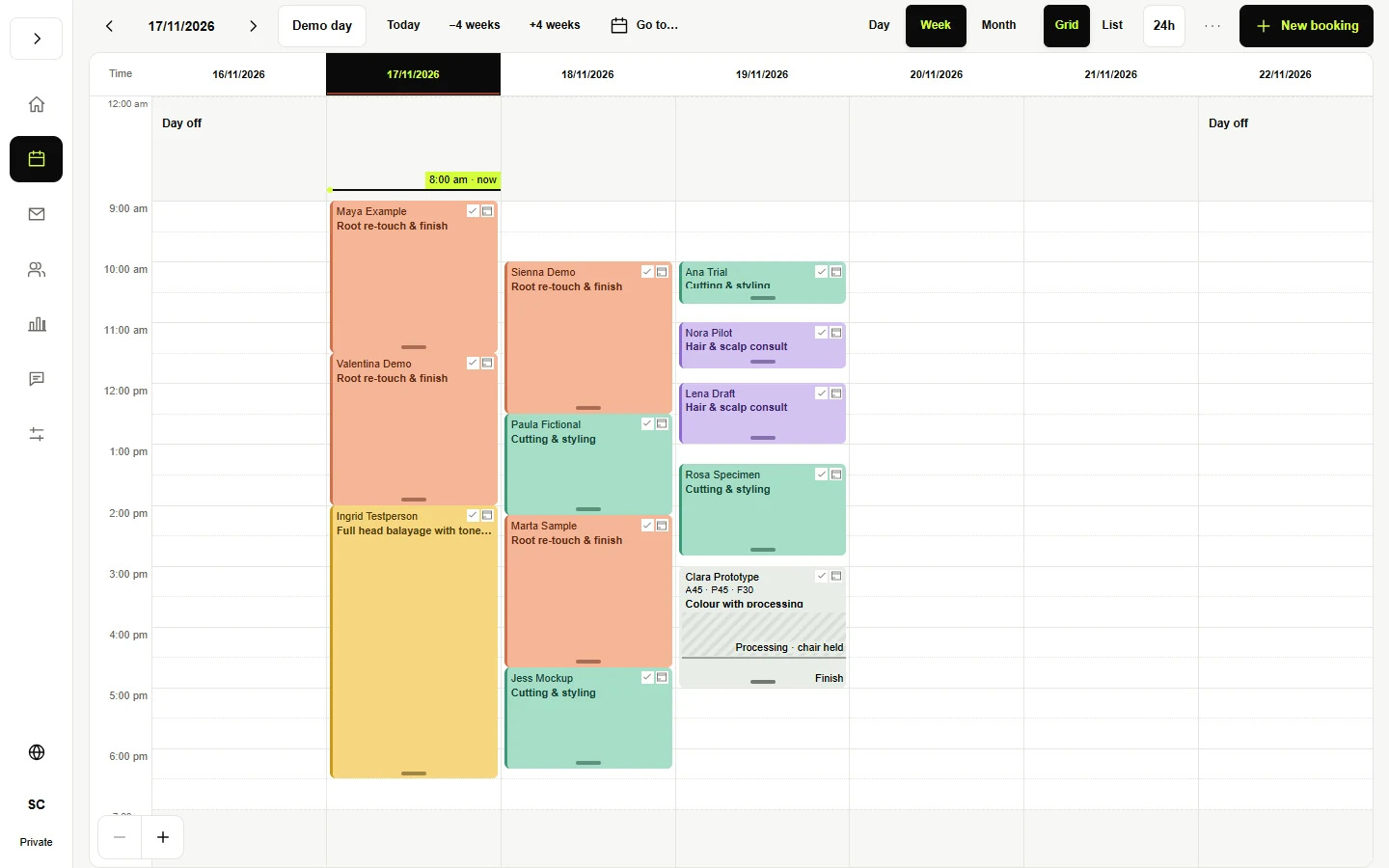
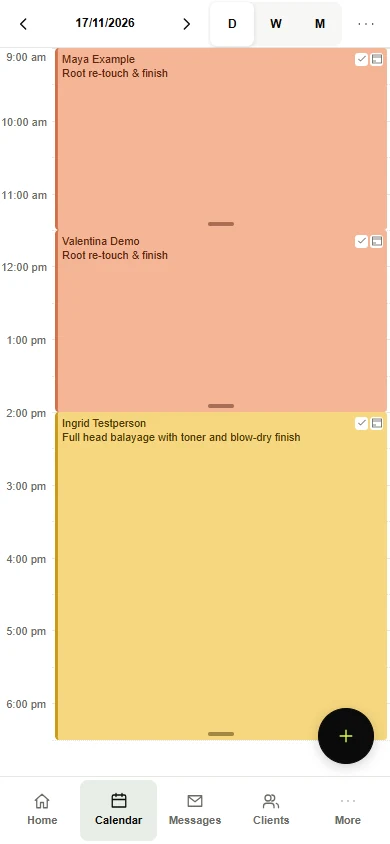
Appointments, client records, reports and messages belong to the same working day. I built Braid to bring them into one workspace, with a calendar that makes room for the way salon services actually run.
This example is a salon. The starting point for your business would be the same: understand the work, then connect the information your team needs to do it.
IllustrativeReal app interfaces with fictional names, appointments and figures.
A Calendar That Understands the Work
A colour appointment can include application, processing and finishing time. Braid shows those stages in the calendar, alongside the client and service, so the day can be planned around the work itself.
The Client’s History, Close at Hand
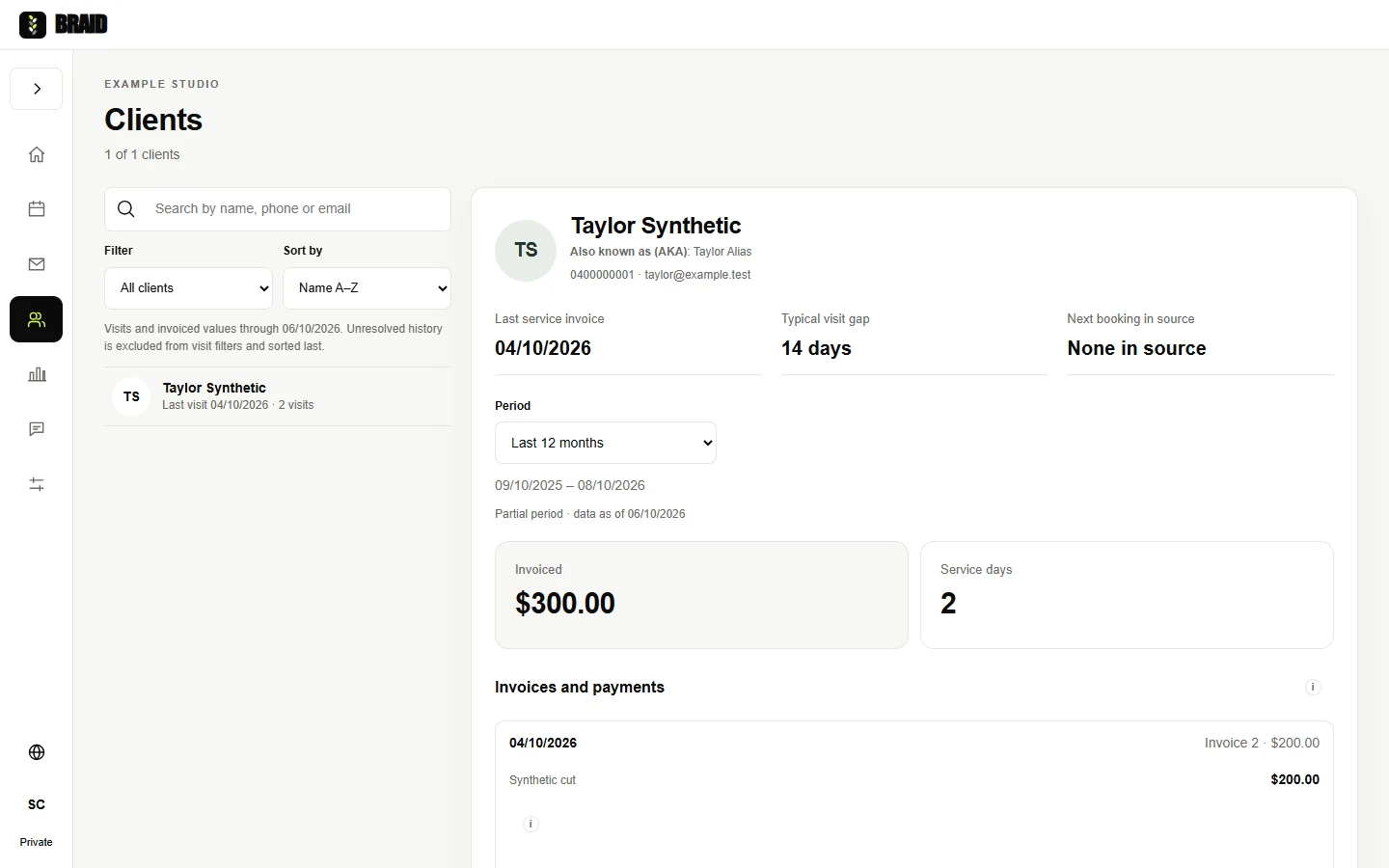
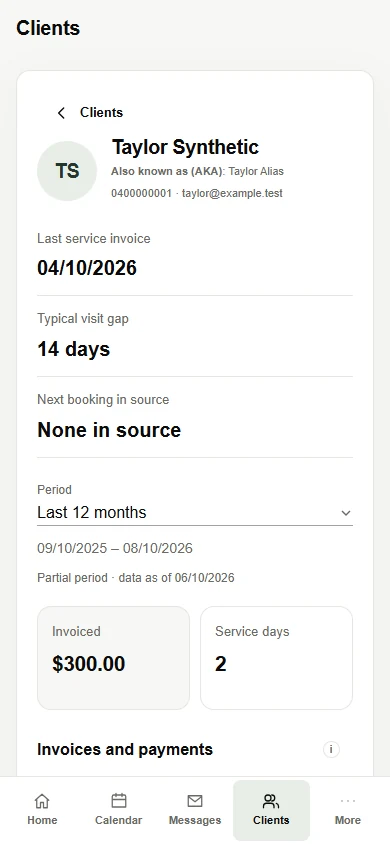
Open a client record to see previous services, invoices and payments. Staff can look back at the relationship without searching through separate exports.
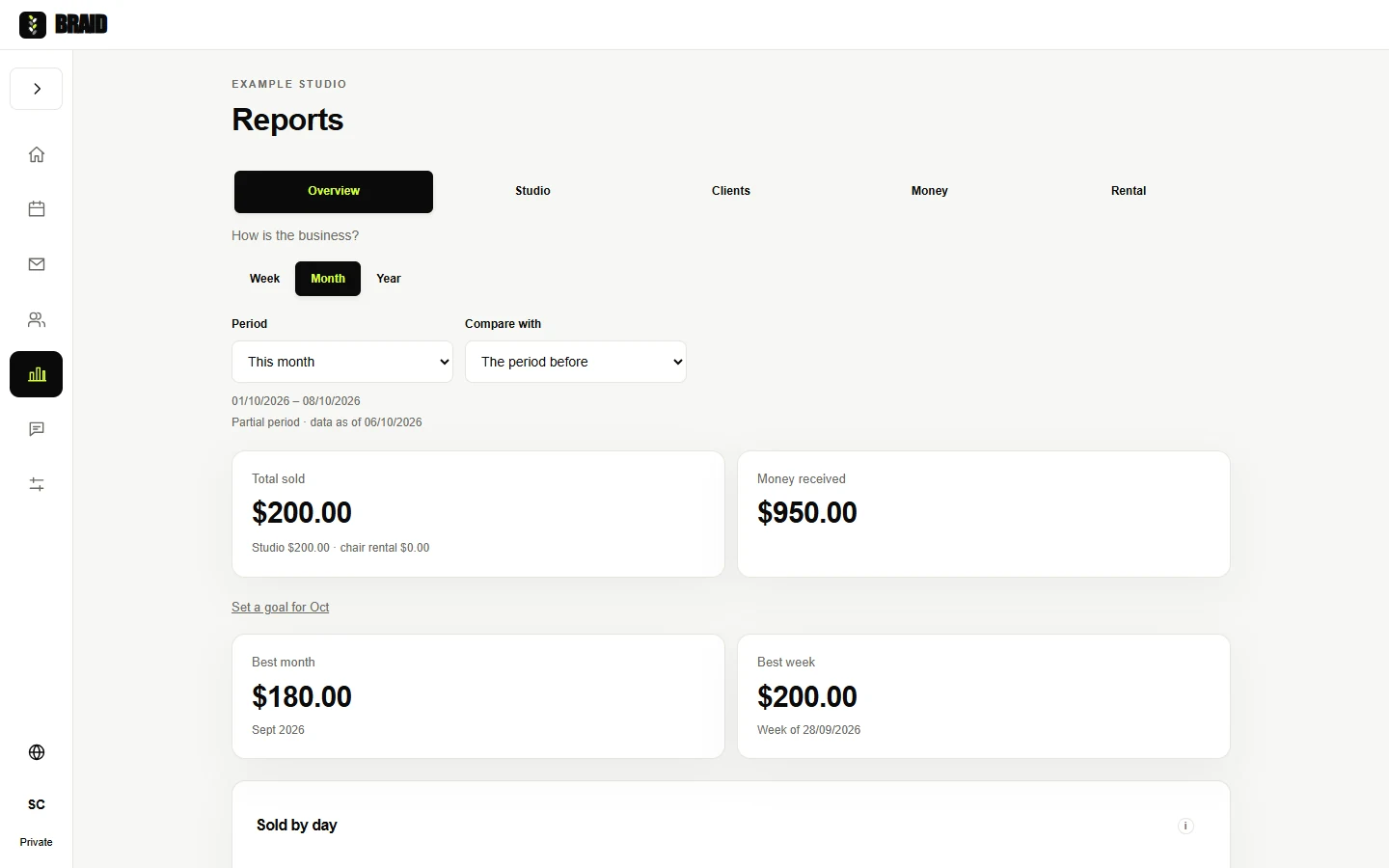
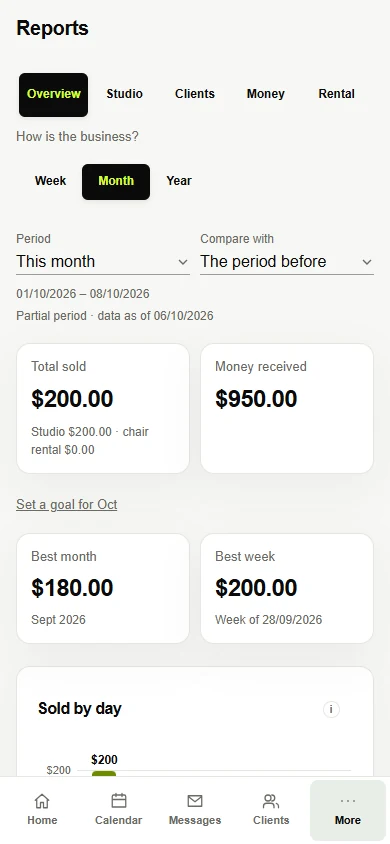
See What Was Sold and What Was Received
Reports separate sales from money received and let staff choose the period they need to review. Service income and chair rental have their own views.
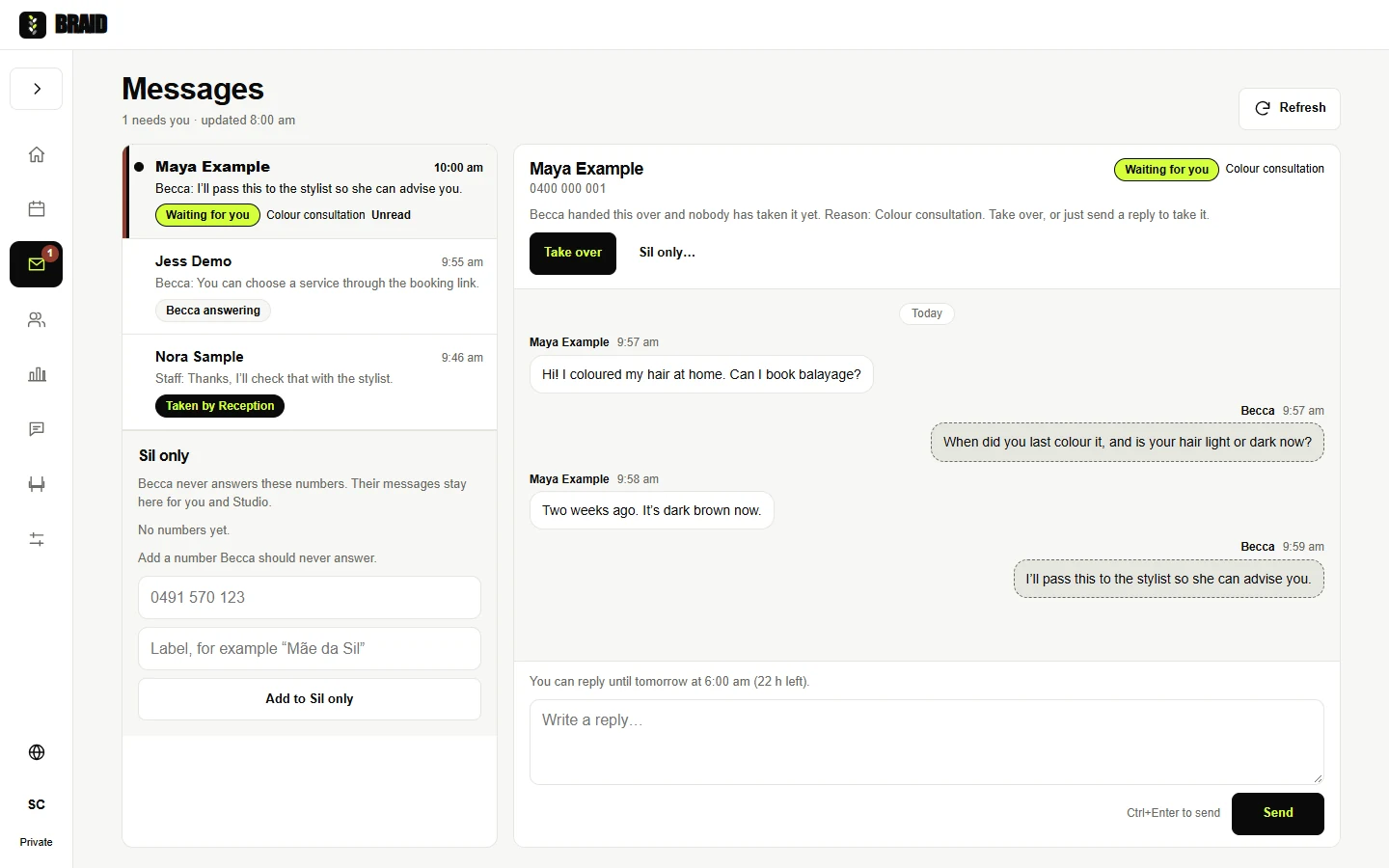
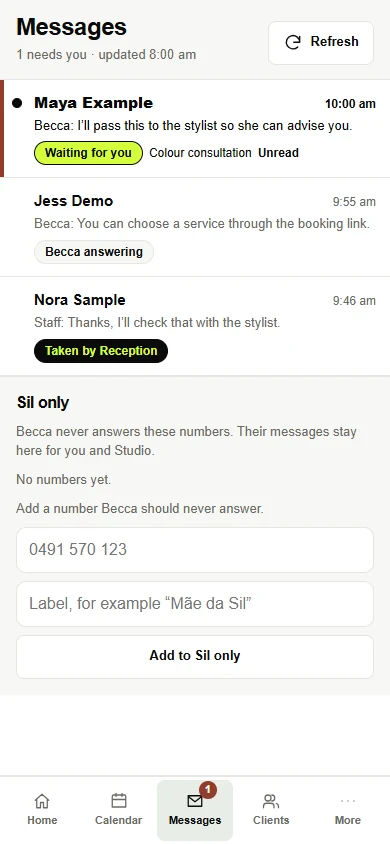
Messages Beside the Rest of the Day
The WhatsApp inbox sits inside Braid. It shows which conversations Becca is answering, which are waiting for staff and which a person has taken over.
Select a screen to see it full size, on desktop or on the phone.
Built Around Your Working Day
- Would this only suit a salon?
- This version reflects salon work: appointments, service stages, client history and chair rental. For another business, I would start with its own workflow and decide which parts should be connected.
- Does everything need to change at once?
- The work can start with one area. We agree what needs to move, what should stay in your existing tools and how the team will check the new workflow before relying on it.
- Are these real client records?
- No. These are captures of the app with fictional data. The figures illustrate the screens; they are not business results or claims about savings.
Start With the Work Between the Tools
Tell me where your team keeps copying information, checking another screen or asking someone for an update.
Send an enquiry ↗